
RSS in 3 spoonfuls: choosing what you read
There are technologies that seem old only because they fell out of fashion. RSS is one of them. It did not disappear. It did not fail technically. It was simply pushed aside when the web began to prefer the algorithmic feed, the notification, the closed app, the “for you,” the infinite scroll, and the idea that staying informed should happen inside platforms that decide what appears, when it appears, and with what intensity.
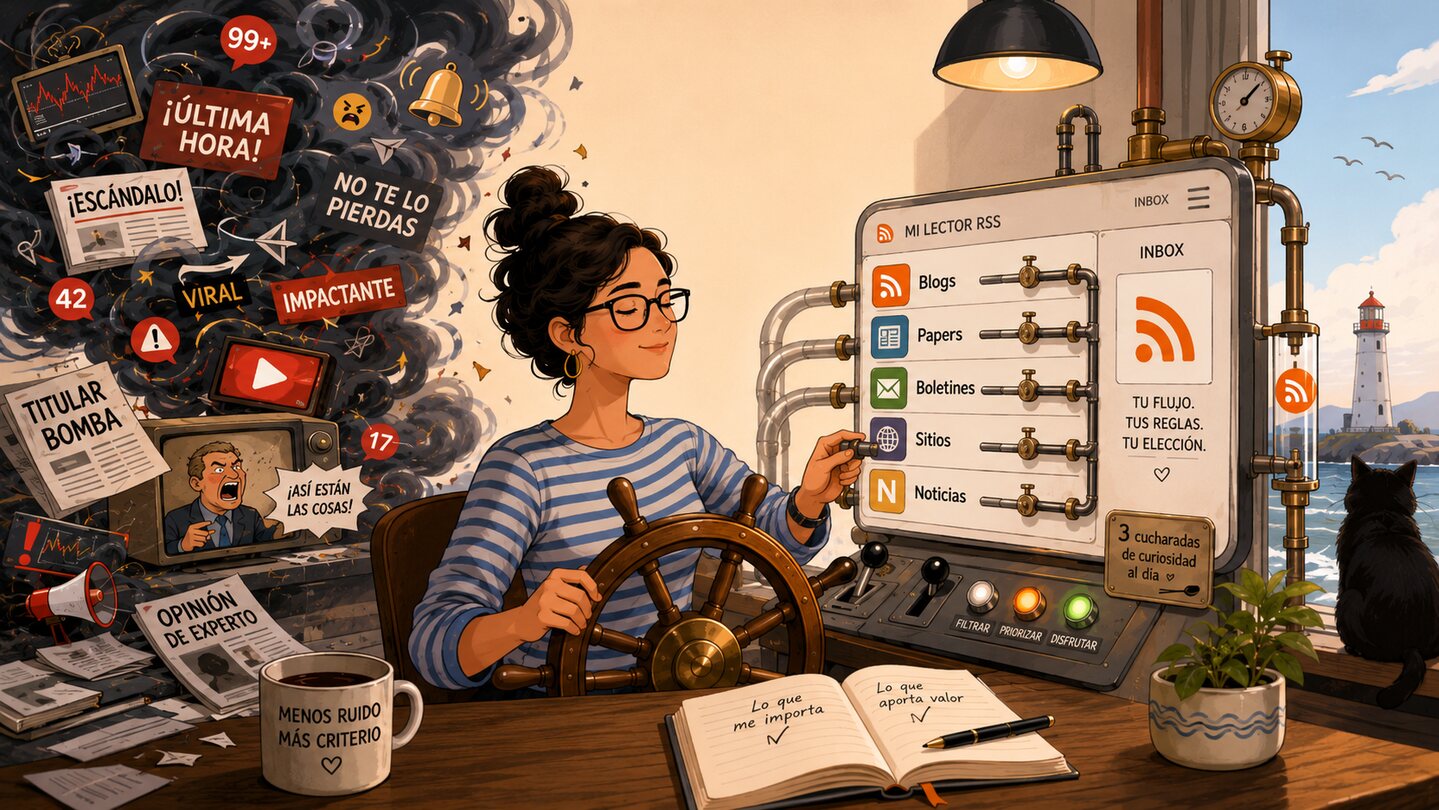
RSS offers something less flashy, but healthier: you choose the sources, you decide where to read them, you can export your list, you can change readers, you can organize the noise. You are not fully in control of information, because sources, media outlets, search engines, and editorial powers still exist. But you are partly in control of the way you inform yourself. And on the internet, that is already a lot.
Before the spoonfuls: a brief history of RSS
RSS was born for a web that still smelled like personal pages, blogs, portals, and blue links. Its history has several branches, disputes, and names, but one basic line is enough to orient us: in 1999 Netscape published RSS 0.90 for My Netscape; then came RSS 0.91, and later UserLand and Dave Winer pushed other versions that led to RSS 2.0. The RSS Advisory Board history records that sequence: RSS 0.90 in March 1999, RSS 0.91 in July of that same year, a UserLand version in 2000, and RSS 2.0 in 2002-2003.
The idea was simple: a site publishes a machine-readable file with its updates. That file contains items: title, link, description, date, author, and other metadata. An RSS reader visits those files for you and shows you what is new. The RSS 1.0 specification described it as a lightweight, extensible, multipurpose format for describing and syndicating content, with channels made up of items retrievable by URL.
Aaron Swartz appears in that story, and he appears very young. At 14, he co-wrote RSS 1.0, one of the more semantic and extensible branches of the standard, linked to RDF. The Internet Hall of Fame sums it up like this: in 2000, at 14, Swartz co-authored RSS 1.0 and later took part in a W3C working group on common formats for the web.
Mentioning him is not just biographical ornament. Swartz embodies one way of understanding the internet: open, interoperable, archivable, linkable, closer to public knowledge than to enclosure inside platforms. RSS carries some of that ethic. It does not ask you to stare at a wall administered by a company. It gives you a pipe. A source. A way of saying: “when I publish something, come and fetch it without asking an algorithm for permission.”
For years, Google Reader was the great home of that habit. Launched in 2005, it ended up becoming the place where many people built their information diet. In 2013 Google announced it would shut it down on July 1 of that year, arguing that usage had declined and that the company wanted to focus on fewer products. That closure was a cultural blow: it did not kill RSS, but it did break the center of gravity of a practice. Then came the diaspora: Feedly, NewsBlur, Inoreader, local readers, mobile readers, self-hosted readers, readers that appeared and disappeared.
RSS survived because it did not depend on a single company. That is the point.
Spoonful 1: RSS as everyday digital sovereignty
Digital sovereignty sounds like a paper concept, but in RSS it becomes a domestic practice: choosing sources, organizing folders, exporting a list, reading in your own time, ignoring what does not matter, and not depending on a feed that optimizes your attention for someone else’s purposes.
Social networks are not designed primarily to inform you well. They are designed to retain you. Sometimes that overlaps with being informed; many times it overlaps with being irritated, anxious, entertained, or trapped. The distinction matters. An RSS reader does not remove bias or guarantee quality, but it changes the architecture of decision-making. Instead of asking “what does this platform want to show me?”, you ask “which sources did I choose to follow, and what did they publish?”
Academic literature on algorithmic personalization helps frame that intuition. Urbano Reviglio and Claudio Agosti propose the concept of “algorithmic sovereignty” to discuss the power platforms have over personalization, curation, and behavioral modification. Their point is not that all personalization is bad, but that much of it happens inside opaque, commercial systems that are hard to negotiate socially.
There is also a cognitive dimension. Attention is not an infinite warehouse. Information overload appears when the amount of information we are expected to process exceeds our capacity to process it meaningfully. A systematic review on information overload shows that this is not only a problem of volume, but also of context, tasks, time, interruptions, and the design of the environments where we read.
In news consumption, this matters even more. A Frontiers in Psychology study on news overload in social media found significant relationships between news overload, news avoidance, need for news, and filtering behavior. Put simply: when the flow becomes too intense, people do not necessarily become better informed; many times they filter by force, skim, get exhausted, or simply avoid the news.
RSS does not solve all of that, but it introduces good friction. There is no autoplay. No “for you.” No automatic emotional ranking. No machine testing which headline keeps you two seconds longer. There is a list. There are folders. There are read and unread items. There is a more explicit relationship between source, time, and attention.
The empirical evidence on algorithmic feeds is complex. In a Science study on Facebook and Instagram during the 2020 U.S. election, switching from algorithmic feeds to chronological feeds reduced time and activity inside the platforms, although it did not produce significant changes in several political attitudes during the study period. A more recent Nature paper on X’s algorithmic feed reported that enabling an algorithmic feed increased engagement and shifted some political opinions on certain issues. You do not need to draw an apocalyptic conclusion from that. One practical conclusion is enough: it matters who orders what you read. It matters under which incentives. It matters whether you can step away.
RSS gives some of that control back.
Spoonful 2: where to read, where to aggregate, and my history with RSS
An aggregator is a reader that gathers different sources in one place. The basic idea is that you do not have to visit site after site to find information, because that information comes to you through a reader or aggregator. Chile’s Biblioteca del Congreso Nacional explains it simply: RSS lets you receive updated content from websites without having to visit them manually one by one.
That gesture changes your relationship to the web. Instead of opening twenty tabs, you open one inbox. Instead of depending on a social network to show you an article, you follow the site that publishes it directly. Instead of losing your subscriptions when a company changes strategy, you export your OPML and move to another reader.
My history with RSS started there, around 2006 and 2007, with Google Reader. That is where I added most of my sites. That is where I learned a way of informing myself that was also a way of wasting time, but with some order: review unread items, scroll down with the keyboard, open what looked interesting, mark it as read, return to the flow. It was procrastination, yes, but procrastination with architecture.
Then Android arrived. And there my app was gReader. Among that first generation of mobile readers, gReader had something very specific: it was ugly enough to feel like a tool, fast enough to become a habit, and comfortable enough to let you read a lot without thinking too much about the app itself. In 2010, Gizmodo gave it the gold medal among RSS readers for Android, ahead of alternatives such as NewsRob and FeedR. I do not know whether it was the best in absolute terms, but it was one of those apps that stuck to your fingers.
I also remember other ghosts from that era. One app with a rocket as its icon whose name I lost in memory, but which remains as an archaeological object: RSS on Android was also about that, trying readers, changing interfaces, getting excited about small navigation gestures. And I remember Corgi, a strange and charming promise: a dog that brought the paper to your phone. Corgi for Feedly placed your feeds directly on the Android lock screen so you could read without opening the app. In Spanish, El Android Libre described it exactly like that: Feedly on the lock screen, with Material Design, for browsing articles from the locked screen. The idea was a bit absurd and a bit brilliant: delivering the paper to your doorstep, except the doorstep was the lock screen.
From that period I would keep this small Android constellation:
- gReader, my real app, the one that best matched the habit.
- NewsRob, strong on synchronization and offline reading, tightly tied to the Google Reader era.
- FeedR, a more independent alternative in the first Android wave.
- Press, more visually polished and closer to that school of beautiful readers.
- Feedly, the great survivor of the post-Google Reader diaspora.
When Google Reader announced its shutdown, Feedly moved quickly. In June 2013 it launched Feedly Cloud, its own platform to stop depending on Google Reader’s backend and make migration easier. That explains part of its persistence: it was not just a pretty app, but a synchronization service that managed to receive users who arrived with years of folders, habits, and accumulated feeds.
I also used aggregation software on Windows. That is where I met Feedly in a different way: no longer just as an app, but as a synchronized service. Later I moved to Reeder. And every so often, out of curiosity or boredom, I would try other readers on Windows and Linux: readers that were more local, more free, uglier, more powerful, more minimalist. I always ended up returning to Feedly.
But never as a paying user. Not out of contempt for the product, but because of my scale of use. My feed consumption is not heavy enough to justify a subscription. This too is part of RSS: it can be very sophisticated and still remain austere. A list of sources, a free reader, some discipline, and nothing more.
On iOS, Reeder deserves a paragraph of its own. Silvio Rizzi’s app represents one of the most polished lines in this tradition: read well, move fast, do not get in the way. I value that work a lot. For years, Reeder was for me proof that an RSS reader could be elegant without turning into a magazine, minimalist without becoming poor, powerful without looking like an administration console.
That said, I would like the new stage to return, at least for those of us who read RSS in a more classical way, to the previous one-time payment model rather than subscriptions. Here it is worth being fair: it is not that all of Reeder has become one single thing. The new app, Reeder, appears as free with in-app purchases and a monthly or annual subscription; according to MacStories, Reeder+ unlocks unlimited feeds and additional features. At the same time, Reeder Classic is still available as the previous version for those who prefer a traditional RSS and read-later experience. Even so, my preference remains clear: for RSS readers, a one-time payment before a subscription, unless the reading volume truly justifies paying for infrastructure every month.
Today the landscape could be arranged like this: to get started quickly, Feedly or Inoreader; for local reading and privacy, Feeder; for self-hosting, FreshRSS, Tiny Tiny RSS, or NewsBlur; for beautiful reading in Apple’s ecosystem, Reeder or Reeder Classic. But the essential thing is not the app. The essential thing is the file: the OPML. That small exportable map of your sources. Your garden of living links.
Spoonful 3: what comes after classic RSS
RSS does not have to remain stuck at “following blogs.” It can be personal infrastructure for reading the web.
First, we can create feeds where there are none. Some sites do not publish RSS, but still have patterns: a news page, a press release section, an agenda, a document list, an institutional page that changes every so often. Tools like RSS-Bridge exist precisely to generate feeds from sites that do not have one. RSSHub goes in the same direction: an open-source project and network to create RSS routes from many different sources. And tools like FiveFilters Feed Creator let you generate feeds from elements on a page that does not offer its own RSS.
Second, we can turn poor feeds into useful feeds. Many outlets provide only the headline and a short deck to force you into the site. That may make sense for their business, but for personal reading it is often a nuisance. Full-text extraction tools can clean up articles, remove visual noise, and leave a readable version behind. The FiveFilters ecosystem itself exists around that idea: taking web content and turning it into something more portable, legible, and processable.
Third, we can build our own digests. Not everything deserves to be read immediately. One could imagine a flow like this:
Source or site → RSS feed or generated feed → aggregator → keyword filter → deduplication → LLM summary → daily delivery to Telegram or email
That summary should not replace the source. It should point back to it. A good personal digest would include a title, source, link, date, three lines of summary, and a clear mark of why it appeared there. The LLM does not decide what exists; it helps compress what you already decided to follow.
Fourth, we can mix RSS with messaging. A feed can end up in Telegram, in email, on a static page, in a personal database, in a dashboard, in a bot that warns only when a certain keyword appears. It can also work the other way around: newsletters turned into feeds, channels turned into summaries, sites without RSS turned into monitored sources. The web, when allowed to connect, becomes less of a timeline and more of a toolbox.
Fifth, we can share reading maps. A public OPML is an invitation to peek into someone’s information diet. Not as a performance of influence, but as an infrastructural gesture: “these are my sources, take them, break them, change them, import them, build your own.”
That is the natural ending for this post: start by trying. You do not have to migrate your entire information life. It is enough to choose ten sources you genuinely want to follow: a newspaper, a blog, an academic journal, an institutional account, a podcast, some strange page you always forget to check. Add them to a reader. Organize them. Read them for a week. Then decide.
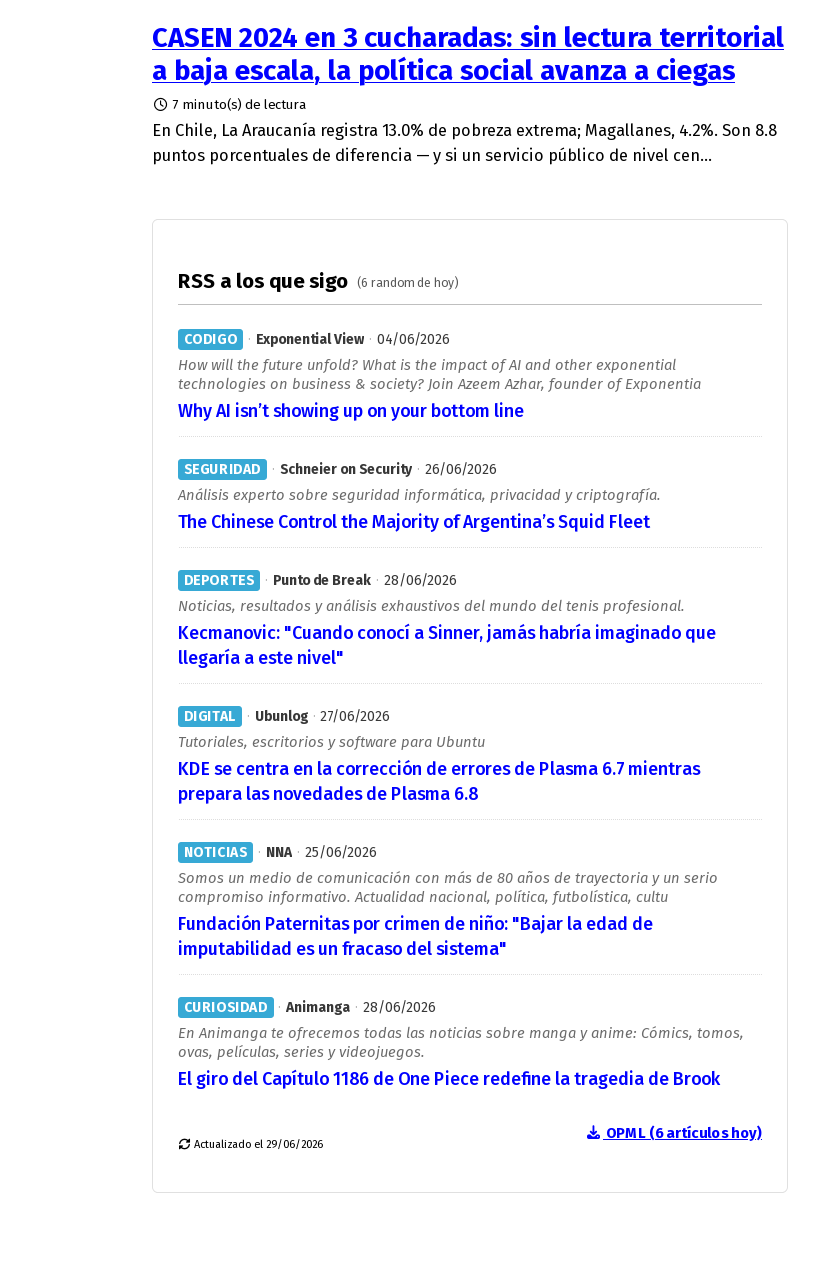
And to get started, you can inspect my OPML: the file with all my feeds, my obsessions, my dead sites, my persistent sources, and my probably badly named folders.
RSS is not nostalgia. It is a discreet form of everyday resistance against reading governed by others.
Govern how you read the news.

Deja un comentario